
Combine PDF Files
Merge multiple PDFs into one document, reorder them visually, and export the result where you choose.
PRIVATE BY DESIGN
Raxif is a desktop PDF toolkit for editing, converting, organizing, and compressing documents entirely on your computer.
ONE DESKTOP TOOLKIT
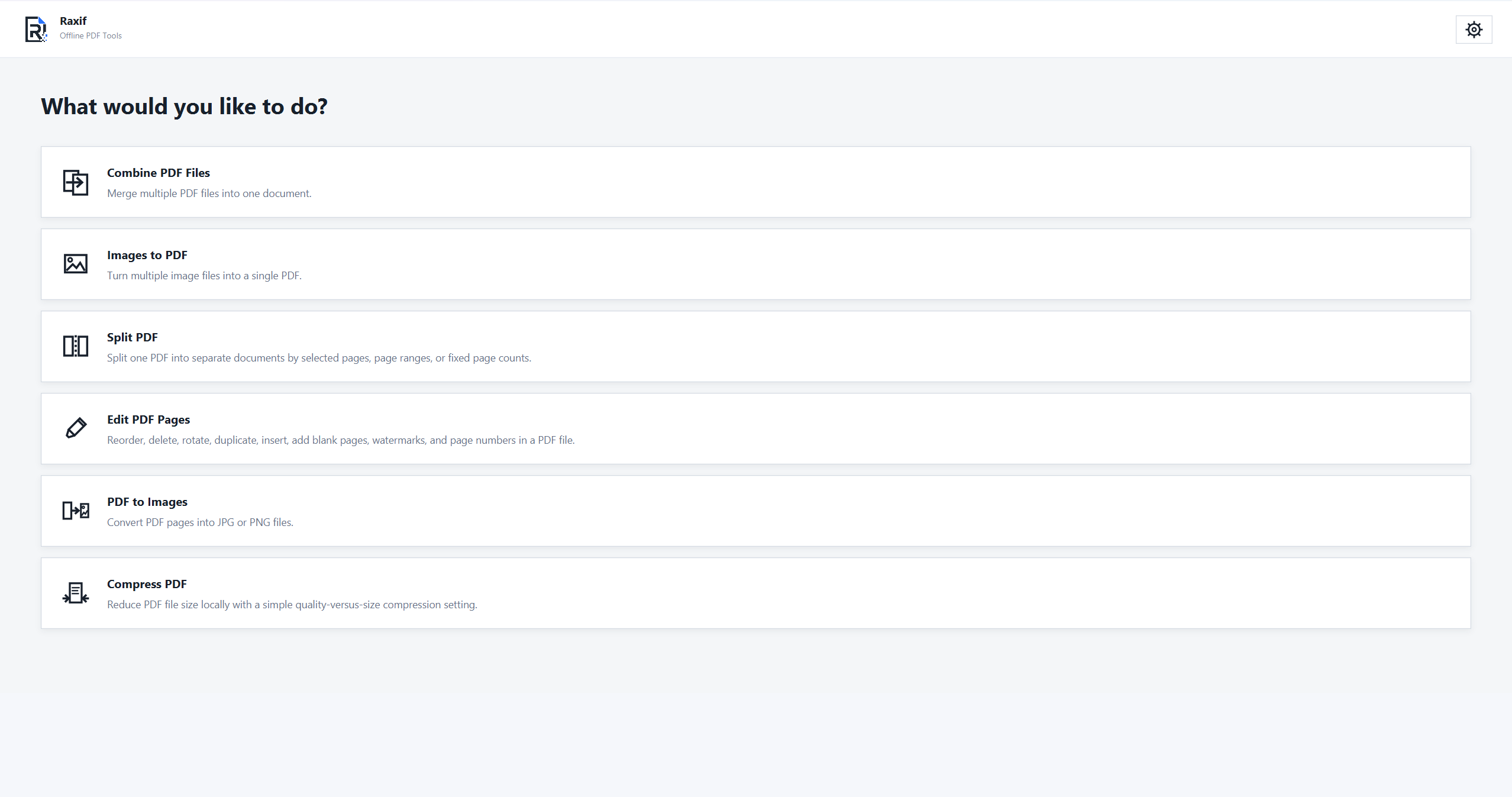
Merge PDFs, split pages, edit documents, convert PDF files, and compress PDFs with focused tools, consistent workflows, and no browser upload step.
Merge multiple PDFs into one document, reorder them visually, and export the result where you choose.
Turn multiple image files into one PDF while preserving image proportions and page dimensions.
Split by selected pages, ranges, individual pages, or fixed page counts with visual previews.
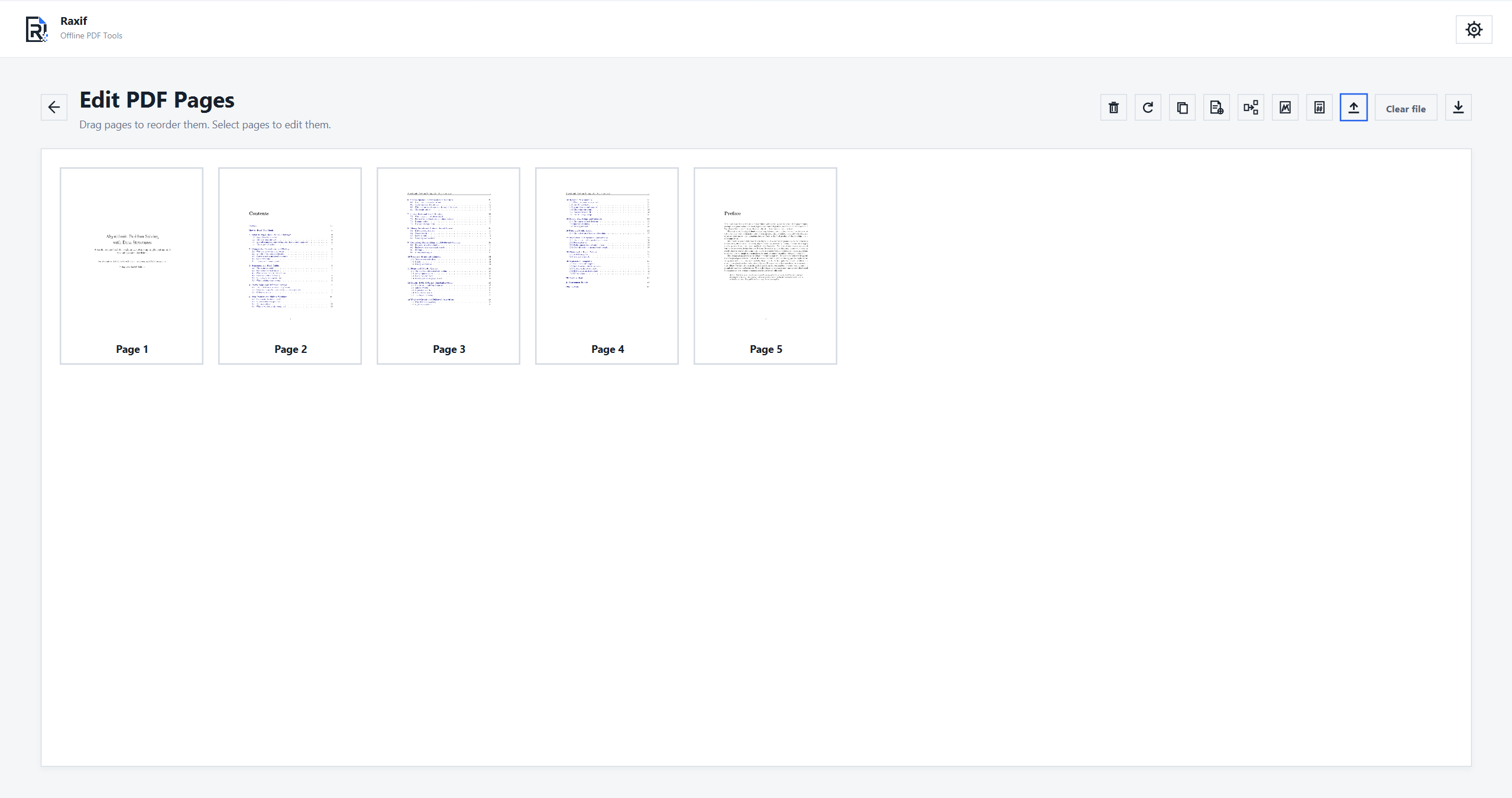
Reorder, delete, rotate, duplicate, insert, and add blank pages in one visual editor. Add watermarks or page numbers without leaving the workspace.
Convert all or selected PDF pages into JPG or PNG files at the resolution you need.
Choose a compression preset and reduce PDF size locally while keeping the original file untouched.
PDF TOOLS BY TASK
Dedicated offline workflows for common PDF tasks on Windows.
NO CLOUD REQUIRED
Raxif is designed so that PDF and image processing should work without sending your documents to an external service.
Choose a file from your computer, do the work on your computer, and save the result back to your computer.
CONSISTENT BY DESIGN
Raxif keeps the interaction model familiar across tools.
Use your operating system's file picker or drag files into the workspace.
Preview pages, reorder items, select options, and see the result before export where supported.
Choose the destination yourself. Existing names are handled safely without overwriting by default.
OFFLINE PDF FAQ
Quick answers about privacy, offline PDF editing, conversion, and everyday document workflows.
No. Raxif is designed to process PDFs and images locally on your computer without uploading your documents to an external conversion service.
Yes. Reorder, delete, rotate, duplicate, insert, and add blank pages locally. You can also add watermarks and page numbers in the page editor.
Yes. Raxif combines PDFs, splits PDFs, converts images to PDF, converts PDF pages to JPG or PNG, and compresses PDF files.
No account or internet connection is required for normal document-processing workflows. Purchasing, downloading, or obtaining future updates may use external online services.
WINDOWS DESKTOP APP
Get Raxif for 64-bit Windows 10 or Windows 11 with a one-time purchase. macOS and Linux are not supported at this time.